
A new feature has been launched on the jobdatings; the ability for you, as an organizer, to communicate information about your forum directly on the candidate dashboard.
These pieces of information can have several natures:
- Summary of event info
- Live Feed
- Presentation of available meeting modes
- Highlight of lives
- Highlight of appointments
- Highlight of new offers
- Limitation of applications
- Partner companies
You are free to publish the content you want! 🗞
WHAT ARE THE STEPS TO COMMUNICATE ON THE CANDIDATE DASHBOARD?
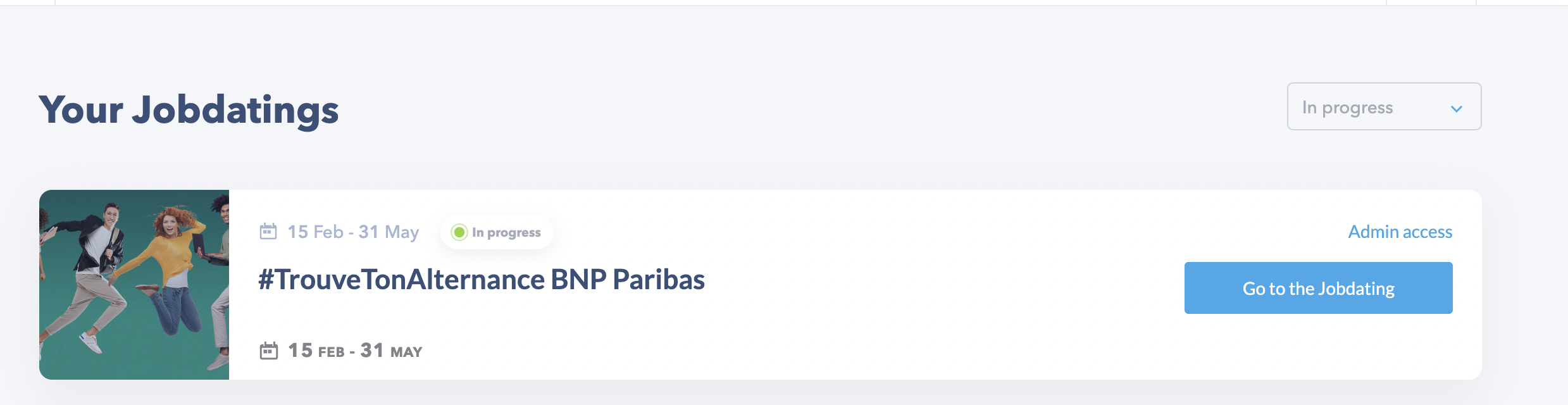
1/ Once logged in to your Seekube account, go to the forum in your "Admin access" space.
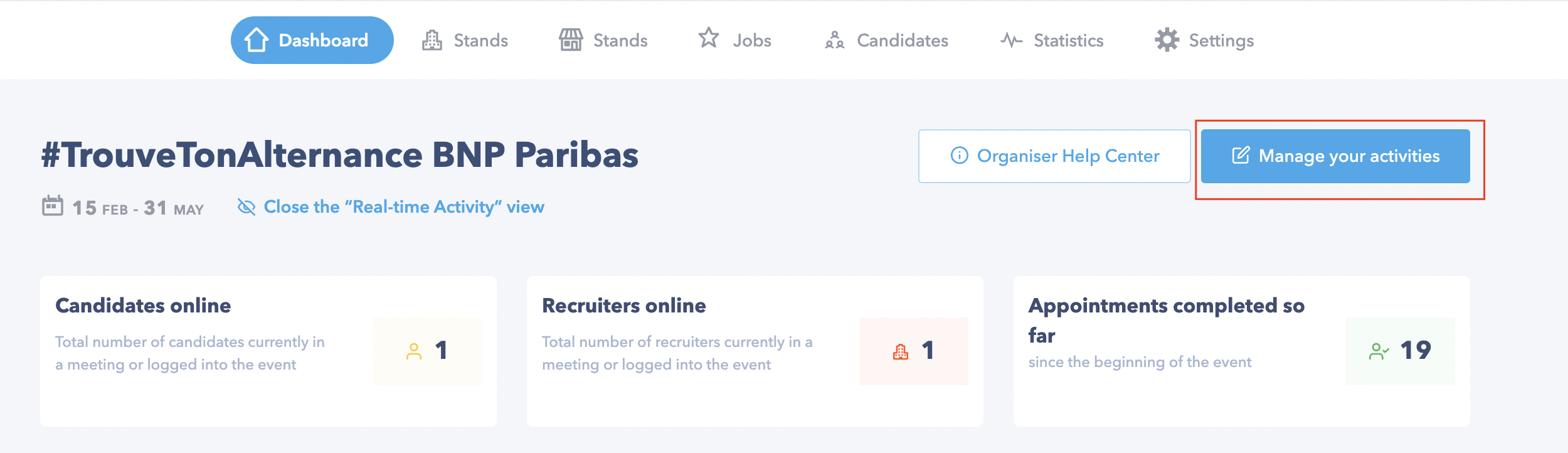
2/ Once on your space, click on the "Dashboard" tab and then on "Manage your activities" :
3/ A modal opens with the history of news created (published / in draft) :
- Title
- Author
- Publication date
- State
If you want to add new content, click on "Add news" :
4/ A new modal opens. You must fill in the different fields :
- Title of the news
- The author
ℹ️ Note that you can write news for yourself or for a third party by changing the author.
- The news :
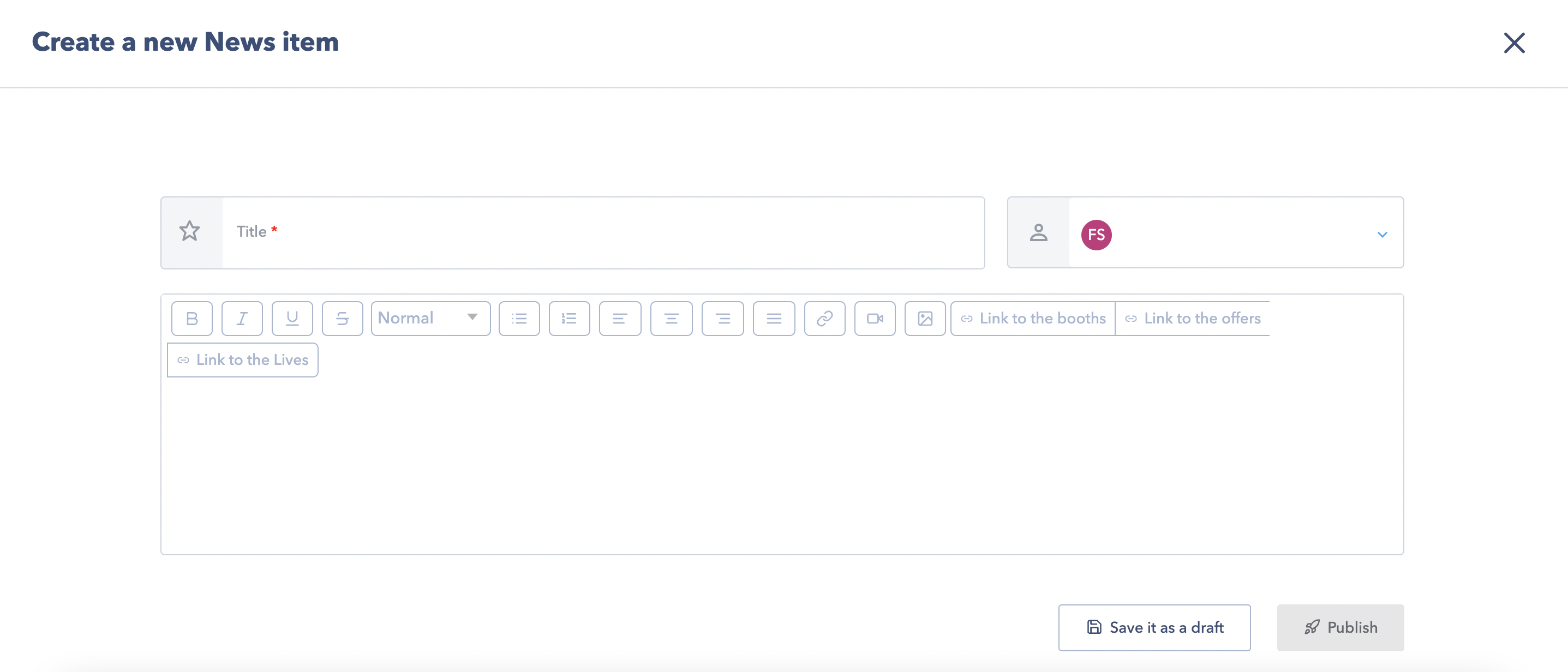
ℹ️ You can customize your news with :
- Bold, italic, underlined text ..
- Images
- Videos
Once the fields are filled in, you can save it as a draft or publish it directly.
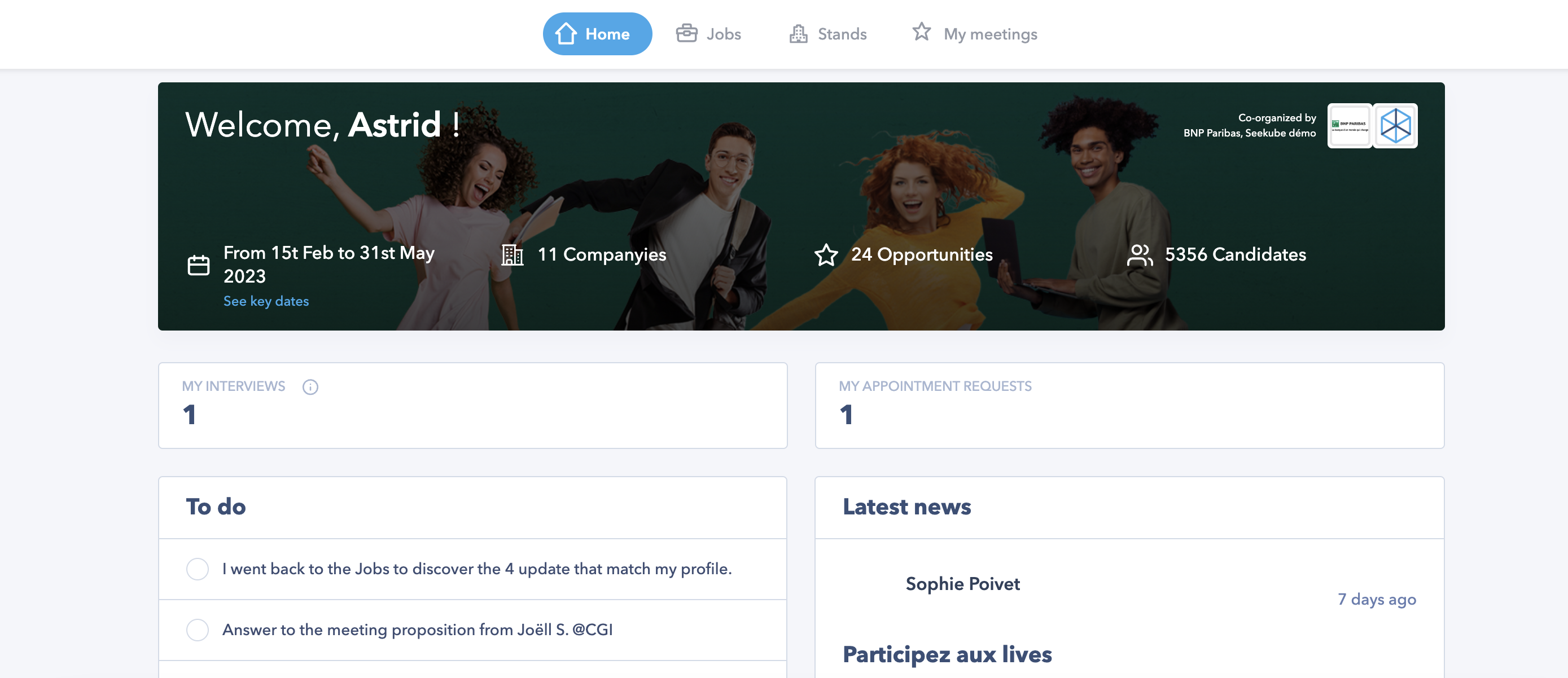
The news will appear directly on the candidate dashboard :
ℹ️ Once published, you also have the possibility to distribute it by email by clicking on the button below :
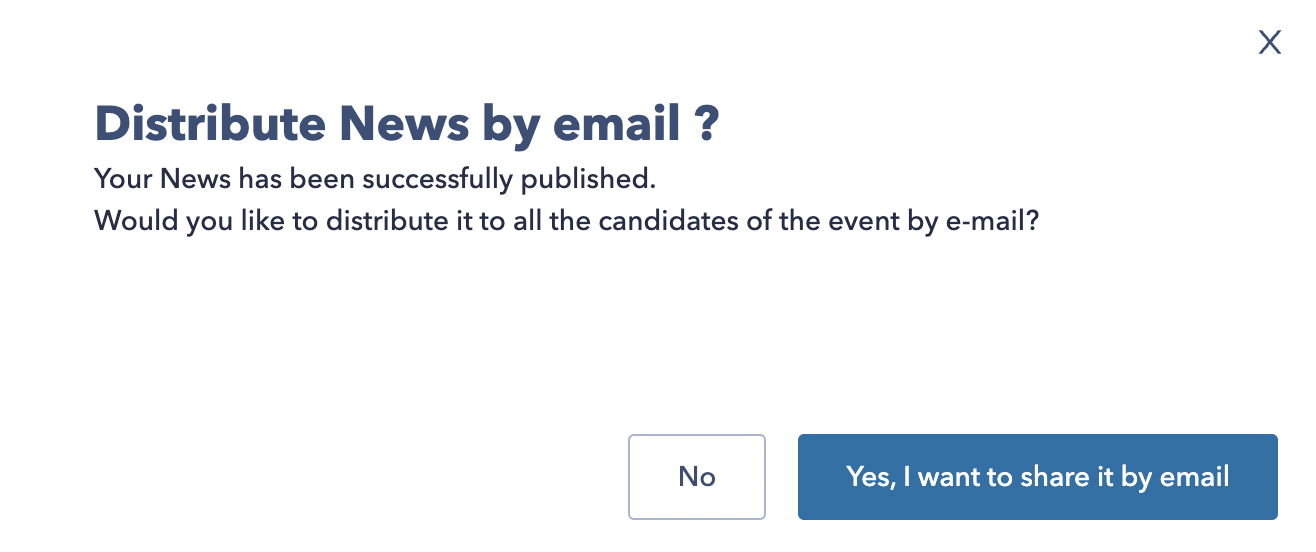
Candidates will receive an email with the news.
🖇 Do not hesitate to share with the candidates and recruiters participating in your event the link to the Help Center dedicated to them : help.seekube.com